
Your New Year video in four steps
A practical photo-to-video tutorial, with an eight-second shot plan, transparent pricing and three New Year scenes.
TL;DR: Choose a clear photo, pick a scene, generate an eight-second vertical video, then download and share. You can do it in a browser without a CapCut template. Personalized AI generation costs $9.90 per video; cards, wallpapers and illustrated clips are free.
1. Choose a photo that gives the model room to work
Use a JPEG, PNG or WebP smaller than 10 MB. Each side should be 300-6000 pixels, with a width-to-height ratio between 0.4 and 2.5. A well-lit adult portrait with a visible face and some space around the shoulders is a good starting point. Avoid sunglasses, heavy filters, crowded group pictures and tiny faces.
You must own the photo or have permission to use it. Everyone pictured must be at least 18. This also applies when making a greeting for a friend. A stylized adult character can work, but use artwork you have the right to use and expect less predictable likeness.
2. Choose the feeling before you choose the scene
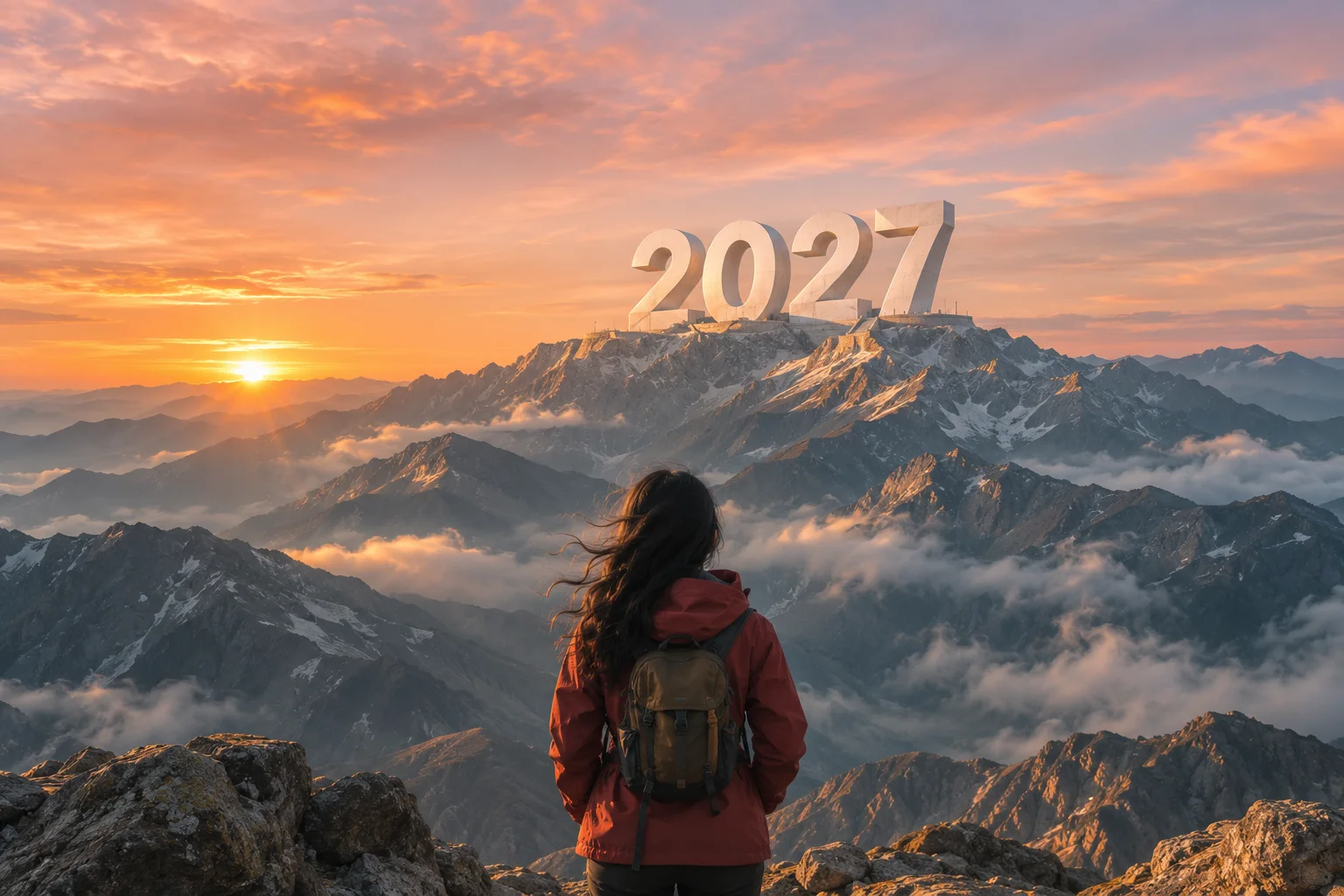
The Goodbye 2026 Welcome 2027 mountain effect is a hopeful climb: a path, a summit and the first light of a new year. Pick it for a fresh-start post.
The rainy Goodbye 2026 Hello 2027 effect gives the farewell more space. The old year stays behind on a wet street while you walk toward warm light.
Push the 6 is the playful option: move the final digit out of 2026 and make room for a 7. It suits a lighthearted greeting or a short celebratory Reel.
3. Check the plan and generate
Choose 480p or 720p, review the photo-rights checkbox, and sign in. One purchase provides one generation, at either quality, without a subscription. The scene, movement and original audio direction are already included. You do not have to paste a prompt.
Here is the mountain scene’s planned timing:
- 0-2 seconds: Start near the 2026 lettering, with the person and path clearly visible.
- 2-4.5 seconds: Follow the person uphill. Keep the movement simple and the camera steady.
- 4.5-6.5 seconds: Widen the view to reveal the 2027 summit in golden light.
- 6.5-8 seconds: Hold the final composition long enough for the new year to register.
These are creative instructions, not frame-accurate editing commands. The model may move an action earlier or later. Facial details and the shape of the numbers can change, so inspect the finished video before sharing.
4. Download, check and share
Your creation appears in My videos, so you can return after leaving the page. Download completed results within 14 days. On a phone, open the finished clip and use your browser’s Save video option. If the browser opens a player, use its download menu or your phone’s share sheet.
Review the face, hands, year lettering and audio. The output is vertical 9:16. Add your own message, accessibility captions and a licensed soundtrack in your social app if needed. Generated audio is not a promise of the original trending song.
Cost and failed generations
One eight-second video is $9.90, with 480p and 720p both included in that price. We add no watermark. A confirmed failed generation returns the credits to your account; this does not automatically reverse the payment. If the provider has not confirmed a request, the task stays saved for review. Do not submit it repeatedly.
Want something you can share without paying? The Hello 2027 collection contains free cards, wallpapers and illustrated scene clips. Those clips are not personalized AI results.
Questions before you begin
Is the finished video AI-generated?
Yes. The personalized scene is generated from a photo reference. The preview illustrations demonstrate the mood, not a guaranteed result.
Do I need CapCut or an app?
No. The photo upload, generation and download work in a browser. A social app is optional for music and captions.
Is a Hello 2027 card the same thing?
No. A card is a ready-made image. This tool creates a moving scene using your photo.
Can I use an anime character?
Use an adult fictional character only when you have permission to use the artwork. Stylized faces may be less consistent.
Does 720p cost extra?
No. The listed $9.90 covers one generation at either offered resolution.
Can I try a different scene later?
Yes. Each scene is a separate generation. Choose the emotional direction first to avoid paying for unnecessary retries.
Say goodbye to 2026 with your own video
Start with the mountain sunrise, a rainy goodbye, or Push the 6. If you want to understand the creative instructions first, read the beat-by-beat prompt guide.